
Quick Answer: At 300 PPI, 3,000 pixels is 10 in. At the CSS reference of 96 PPI, 96 pixels is 1 inch; at 72 PPI, 1,920 pixels is 26.6667 inches. The answer always depends on the pixel density you set.
What does this calculator do?
This pixels to inches converter turns a pixel count into inches or centimetres, or a physical size into pixels, at the pixel density you choose. That last part is the whole point: a pixel has no fixed size.
How many pixels make an inch depends on the device or the print setting, so the converter asks for the density and never assumes one.
Pixel density is written PPI (pixels per inch) for images and screens, and often DPI (dots per inch) in print dialogs and photo software, where it means the same thing for this purpose. A photo that is 3,000 pixels wide prints 10 inches wide at 300 PPI, 20 inches wide at 150 PPI, and 31.25 inches wide at 96 PPI. The pixels do not change; the physical size does.
There is one place where the pixel does have a defined size. In web design, CSS defines its px unit so that 96 px equals one CSS inch. That is a reference for layout, not a measurement of your screen, and the 96 PPI preset loads it so you can use it when it applies.
Using the Pixels to Inches Converter
- Type the number of pixels, or the inches or centimetres you want to fill.
- Choose the direction: pixels to inches, inches to pixels, pixels to centimetres or centimetres to pixels.
- Set the pixel density. Use the figure from your print settings, your printer's recommended PPI, your screen's specification, or 96 for CSS.
- Read the result at the top. The cards show inches, centimetres, millimetres, pixels, and how many pixels make a centimetre at that density.
The presets load the CSS reference (96 px at 96 PPI), a 1,920 pixel image at 72 PPI, an 8 inch print edge at 300 PPI, and the 21 cm side of A4 at 300 PPI.
How is this calculated?
- Read the density. The PPI you enter is used as given. A value below 1 is read as 1, because a density must be positive. A negative amount is read as zero.
- Get the pixel count. In pixels modes, that is your number. In inches to pixels mode, the inches are multiplied by the density. In centimetres to pixels mode, the centimetres are first converted to inches at exactly 2.54 cm per inch, then multiplied by the density.
pixels = inches × PPI; pixels = cm/2.54 × PPI
- Get the physical size. The pixel count is divided by the density to give inches, which are converted to centimetres and millimetres through the exact inch.
inches = pixels/PPI; cm = inches × 2.54
- Pixels per centimetre. One centimetre is converted to pixels at your density, which is the density divided by 2.54.
- Round for display only. Inches and centimetres are shown to four decimal places, millimetres and pixels to two. A fractional pixel count is shown rather than hidden, so you can decide whether to round up or down.
Worked Example
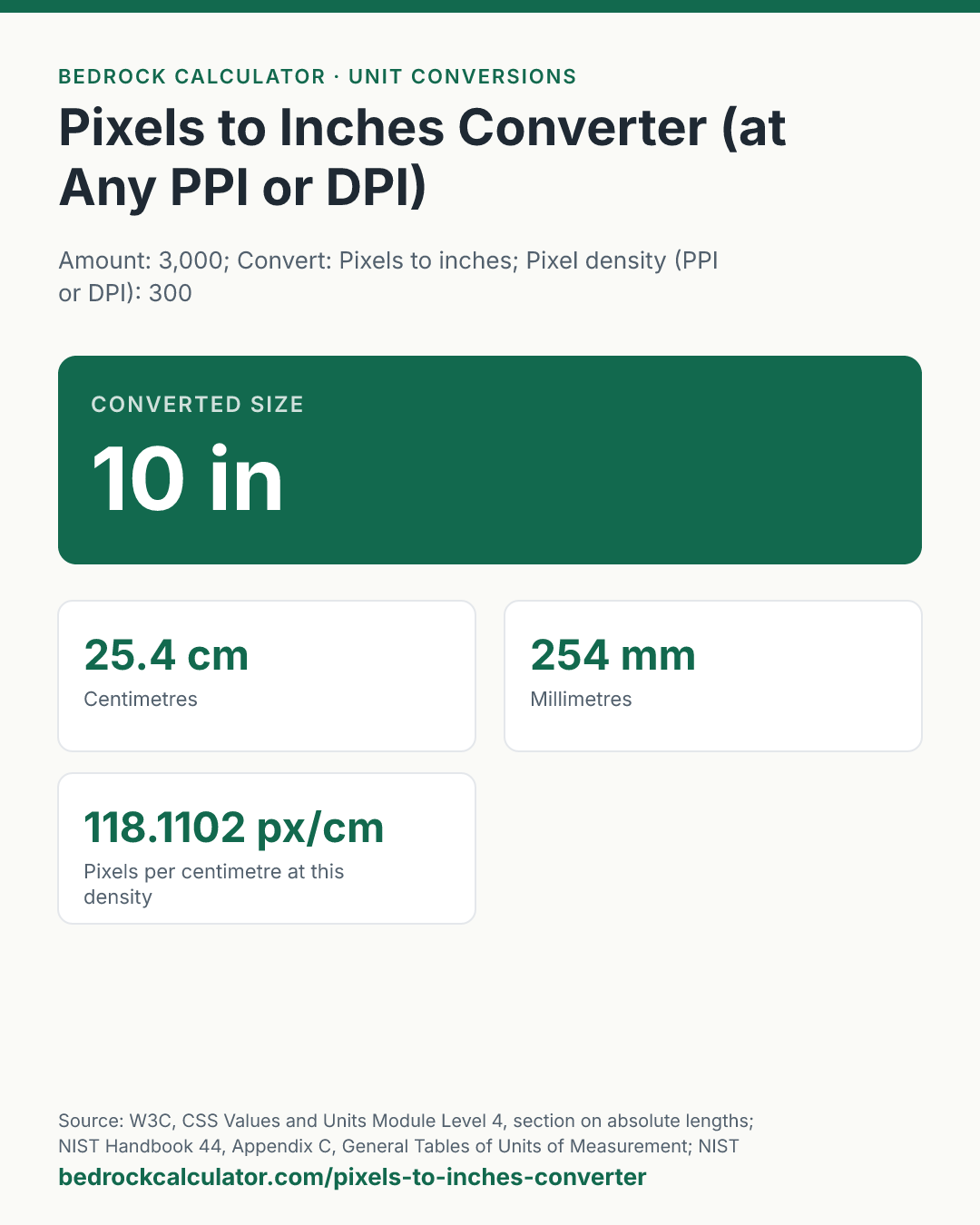
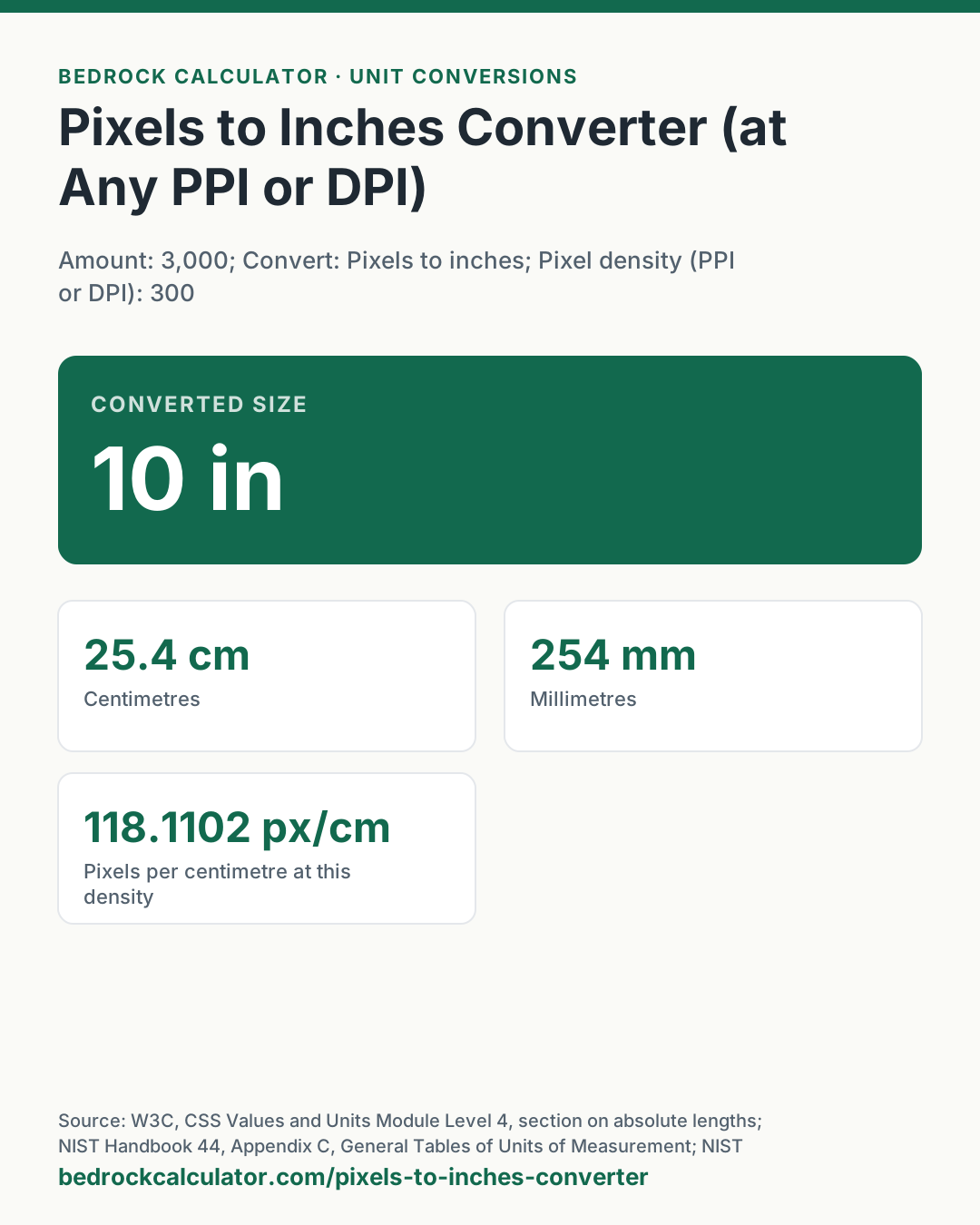
The default, 3,000 pixels at 300 PPI:
- Inches: 3,000 ÷ 300 = 10 in.
- Centimetres: 10 × 2.54 = 25.4 cm, or 254 mm.
- At 300 PPI, one centimetre holds 118.1102 px.
96 pixels at 96 PPI (the CSS reference): 96 ÷ 96 = 1 in, or 25.4 mm.
A 1,920 pixel image at 72 PPI: 1,920 ÷ 72 = 26.6667 in, or 67.7333 cm. The same image at 300 PPI is 6.4 inches wide.
An 8 inch print edge at 300 PPI: 8 × 300 = 2,400 px.
The 21 cm side of A4 at 300 PPI: 21 ÷ 2.54 = 8.2677 in, × 300 = 2,480.31 px. Most templates round this to 2,480.
Pixels to Inches at 300 PPI
| Pixels | Inches | Centimetres |
|---|---|---|
| 600 | 2 | 5.08 |
| 1,200 | 4 | 10.16 |
| 1,800 | 6 | 15.24 |
| 2,000 | 6.67 | 16.93 |
| 2,400 | 8 | 20.32 |
| 3,000 | 10 | 25.4 |
| 3,600 | 12 | 30.48 |
| 4,000 | 13.33 | 33.87 |
| 6,000 | 20 | 50.8 |
How Many Pixels Is an Inch?
As many as the density says. At 300 PPI, an inch is 300 pixels; at 96 PPI it is 96; at 72 PPI it is 72. There is no universal answer, which is why the converter makes you set the density. For CSS, an inch is defined as 96 px, so 1 px is 1/96 of an inch.
| Pixels at 96 PPI | Inches | Millimetres |
|---|---|---|
| 16 | 0.1667 | 4.23 |
| 48 | 0.5 | 12.7 |
| 96 | 1 | 25.4 |
| 100 | 1.0417 | 26.46 |
| 500 | 5.2083 | 132.29 |
| 1,024 | 10.6667 | 270.93 |
| 1,920 | 20 | 508 |
Print Sizes in Pixels
At 300 PPI, a common target for photo and offset printing, each inch of print needs 300 pixels along that edge.
| Print edge (inches) | Pixels at 300 PPI |
|---|---|
| 4 | 1,200 |
| 5 | 1,500 |
| 6 | 1,800 |
| 8 | 2,400 |
| 8.5 | 2,550 |
| 10 | 3,000 |
| 11 | 3,300 |
| 12 | 3,600 |
| 16 | 4,800 |
| 20 | 6,000 |
A 4 by 6 inch print at 300 PPI therefore needs 1,200 by 1,800 pixels. Run each edge through the converter separately.
What does this calculator not account for?
- Your screen's physical size. A monitor's real PPI depends on its resolution and diagonal size, and operating systems scale the display. The converter does not measure your screen.
- Device pixel ratio. High resolution phones and laptops draw several device pixels for each CSS pixel. CSS px is a reference unit, not a hardware pixel.
- Printer dots. A printer's DPI for ink droplets is a different thing from an image's PPI. Use the image PPI here.
- Resampling. Changing an image's PPI setting in an editor without resampling changes only the print size, not the pixels. The converter assumes the pixel count stays the same.
What mistakes do people make with this?
- Assuming 72 or 96 PPI for print. Those figures come from early screens and CSS. A print shop usually wants 300 PPI or the figure on its specification sheet.
- Rounding pixels down. 2,480.31 px rounds to 2,480, which is a hair short of 21 cm at 300 PPI. For a bleed or a tight fit, round up.
- Mixing PPI and pixels per centimetre. Some European software uses pixels per centimetre. 300 PPI is 118.1102 px/cm.
- Expecting a fixed answer. "How many pixels is an inch?" has no single answer outside CSS.
Frequently Asked Questions
How many pixels is 1 inch?
How do I convert pixels to inches?
How big will my photo print?
How many pixels do I need for an 8 by 10 print?
Is DPI the same as PPI?
How many pixels is A4 at 300 DPI?
How many inches is 1920 pixels?
Sources
- W3C, CSS Values and Units Module Level 4, section on absolute lengths: 1in = 2.54cm = 96px, and the reference pixel. w3.org/TR/css-values-4
- NIST Handbook 44, Appendix C, General Tables of Units of Measurement: the inch. nist.gov/pml/owm/nist-handbook-44-current-edition
- NIST Special Publication 811, Guide for the Use of the International System of Units (2008), Appendix B: conversion factors to SI. nist.gov/pml/special-publication-811