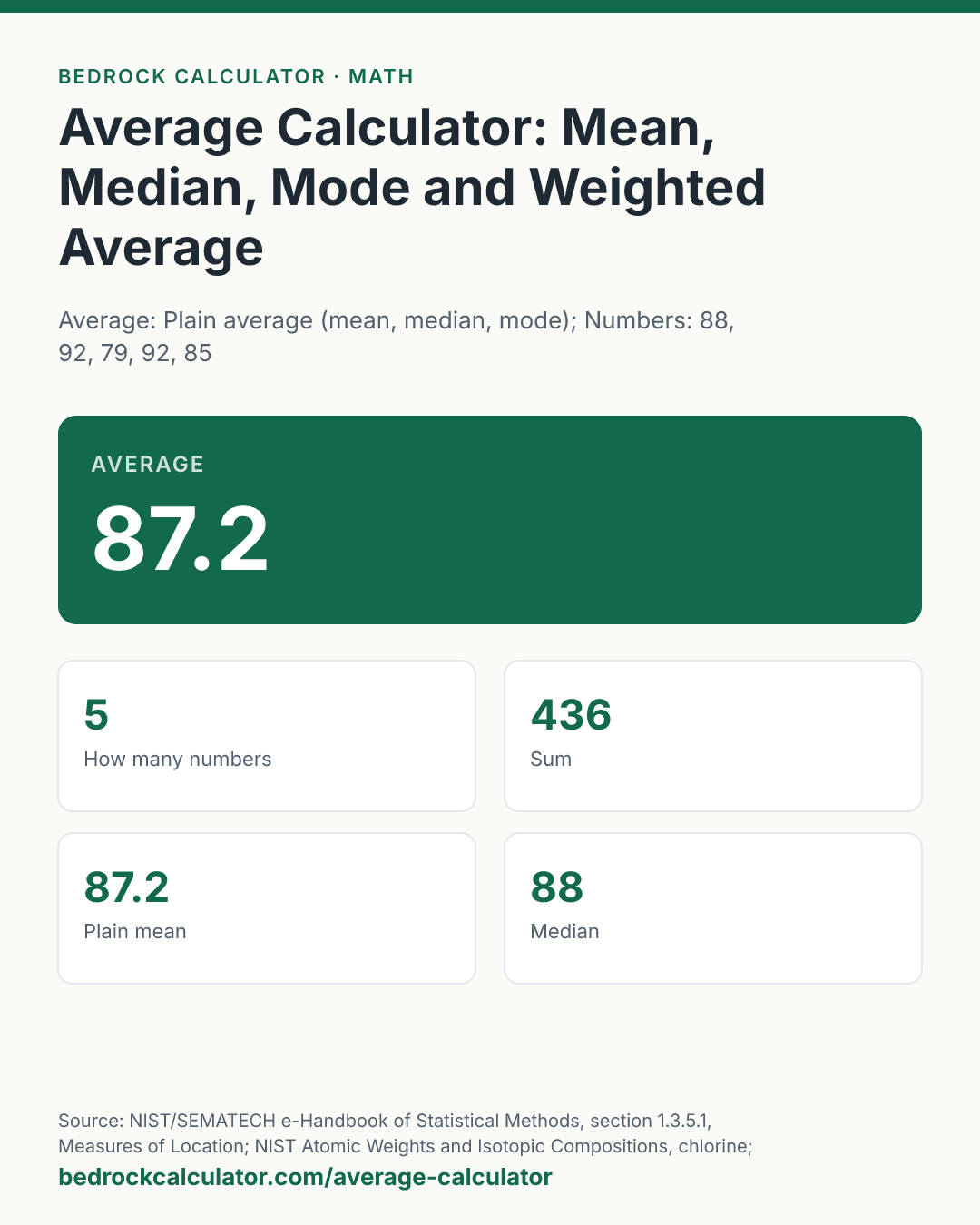

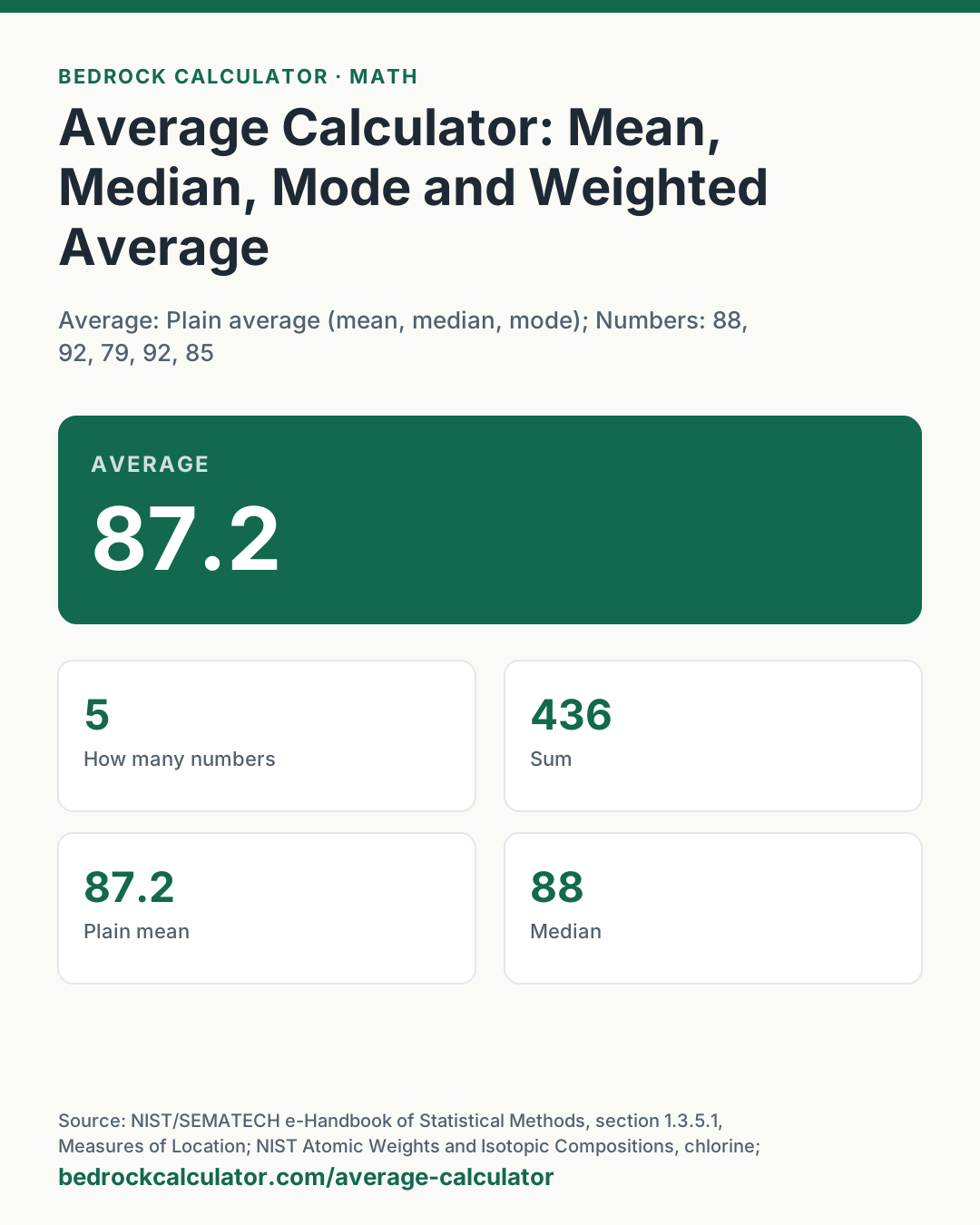
Quick Answer: The average of 88, 92, 79, 92 and 85 is 87.2: add them to get 436 and divide by 5. The median of the same numbers is 88 and the mode is 92.
What does this calculator do?
This average calculator finds the mean of a list of numbers, along with the median, the mode, the range and the list sorted from least to greatest. Switch it to weighted mode and it takes a second list of weights, so it can average grades by credit hours, percentages by group size, or isotope masses by abundance.
"Average" in everyday speech almost always means the arithmetic mean: the total divided by how many numbers there are. The median and mode are also averages in the wider sense, since each one describes where the middle of the data sits, and the three can tell quite different stories about the same list. A list of house prices with one mansion in it has a mean pulled well above the median. Seeing all three side by side is the quickest way to spot that.
The arithmetic is exact decimal arithmetic. Averaging 0.1, 0.2 and 0.3 gives exactly 0.2, where a spreadsheet working in binary floating point can be off in the last digit.
Using the Average Calculator
- Choose Plain average or Weighted average.
- Type or paste the numbers into the box, separated by commas, spaces or new lines. Do not group thousands with commas; type 1200, not 1,200, because a comma separates one number from the next.
- In weighted mode, type one weight per number in the second box, in the same order.
- Read the average at the top. The cards show the count, sum, plain mean, median, mode, range, smallest and largest values, and the sorted list. Anything that is not a number is listed under Entries skipped rather than silently dropped.
The presets load a grade point example, an average of two percentages, the atomic mass of chlorine, and a list with an even number of values.
How is this calculated?
- Read the list. The text is split at commas, spaces, semicolons and line breaks. Each piece that reads as a number is kept as an exact decimal; any other piece is reported as skipped.
- Mean. The values are added and the sum is divided by the count.
x̄ = (x₁ + x₂ + ⋯ + xₙ)/n
- Median. The values are sorted. With an odd count the median is the middle value. With an even count it is the mean of the two middle values, as the NIST/SEMATECH e-Handbook defines it.
- Mode. Each distinct value is counted, and every value that ties for the highest count is reported. If no value appears more than once, the card says there is no mode.
- Range, smallest and largest. Read from the ends of the sorted list. The range is the largest minus the smallest.
- Weighted mean. In weighted mode each value is multiplied by its weight, the products are added, and the total is divided by the sum of the weights. The two lists must be the same length, and the weights must be zero or more with at least one above zero; otherwise the card explains what is wrong.
x̄_w = (w₁x₁ + w₂x₂ + ⋯ + wₙxₙ)/(w₁ + w₂ + ⋯ + wₙ)
- Show the results. Each figure is rounded half up to 12 significant figures for display, with trailing zeros dropped. Nothing is rounded before that.
Worked Example
The default list is 88, 92, 79, 92, 85.
- Sum: 88 + 92 + 79 + 92 + 85 = 436.
- Mean: 436 ÷ 5 = 87.2.
- Sorted: 79, 85, 88, 92, 92. The middle (third) value is the median, 88.
- 92 appears twice and everything else once, so the mode is 92.
- Range: 92 minus 79 = 13.
With an even count, the Six numbers preset (12, 7, 3, 14, 7, 9) sorts to 3, 7, 7, 9, 12, 14. The two middle values are 7 and 9, so the median is 8. The mean is 52 ÷ 6 = 8.66666666667, and the mode is 7.
How Do You Calculate a Weighted Average?
Multiply each value by its weight, add the products, and divide by the total weight. The Grades by credit hours preset has grades of 90, 80 and 70 on courses worth 3, 4 and 2 credits:
- Products: 90 × 3 = 270, 80 × 4 = 320, 70 × 2 = 140.
- Total: 270 + 320 + 140 = 730.
- Total weight: 3 + 4 + 2 = 9.
- Weighted average: 730 ÷ 9 = 81.1111111111.
The plain mean of the three grades is 80. The weighted figure is higher because the 4-credit course, with the middle grade, and the 3-credit course with the top grade carry more of the total than the 2-credit course with the lowest.
How Do You Calculate the Average of Percentages?
Weight each percentage by the size of the group it describes. Averaging the percentages directly is only right when every group is the same size.
The Average of two percentages preset has one class of 20 students with an 80% pass rate and another of 30 with a 60% pass rate. The plain average of 80 and 60 is 70, but the share of all 50 students who passed is the weighted average, 68%. The larger class has the lower rate, so it pulls the combined figure down. The weighted figure is the one that matches counting the passing students in both classes and dividing by all 50.
How Do You Find Average Atomic Mass?
Average atomic mass is a weighted average of the masses of an element's isotopes, with each isotope's natural abundance as its weight. NIST lists chlorine-35 at 34.968852682 and chlorine-37 at 36.965902602, with isotopic compositions of 0.7576 and 0.2424.
The Atomic mass of chlorine preset averages them to 35.4529375826, which sits inside the standard atomic weight interval NIST gives for chlorine, 35.446 to 35.457. The interval exists because the isotope mix varies a little between natural samples.
Mean, Median and Mode of Small Data Sets
The reference table below runs the calculator on several short lists, so you can see how the three averages behave. Note the list 100, 200, 250, 1000, where one large value pulls the mean to 387.5 while the median stays at 225.
What does this calculator not account for?
- Thousands separators. A comma always ends a number, so 1,200 is read as two numbers, 1 and 200. Type large numbers without grouping.
- Other kinds of mean. The calculator gives the arithmetic mean. Growth rates and ratios are usually averaged with the geometric mean, and rates such as speeds over equal distances with the harmonic mean. Neither is computed here.
- Grouped data. For data given as class intervals and frequencies, enter each interval's midpoint as a value and its frequency as a weight. The result is an estimate, since the values inside each class are not known.
- Spread. The range shows how far apart the extremes are, nothing more. For the standard deviation and variance, use the standard deviation calculator.
- Very long lists. Up to 5,000 numbers are read. The sorted list card shows the first 200.
What mistakes do people make with this?
- Averaging averages. The mean of two class averages is not the average of all students unless the classes are the same size. Weight by size.
- Leaving out zeros. A score of zero is a value. Dropping it raises the mean.
- Counting a missing value as zero. The opposite mistake: if a result is missing, leave it out rather than typing 0.
- Reading the mode of continuous data. With measurements like 12.31 and 12.34, values rarely repeat exactly, so "no mode" is normal and the median is the better middle.
- Mismatched weights. Each weight must line up with its value. If the counts differ, the calculator stops and says how many weights it expected.
Frequently Asked Questions
How do you calculate the average of a set of numbers?
What is the difference between mean, median and mode?
How do I put numbers in order from least to greatest?
What does annual mean for income?
How do you calculate a batting average?
Can a list have more than one mode?
Why is my average different from my spreadsheet's?
Sources
- NIST/SEMATECH e-Handbook of Statistical Methods, section 1.3.5.1, Measures of Location: definitions of the mean, median and mode. itl.nist.gov/div898/handbook/eda/section3/eda351.htm
- NIST Atomic Weights and Isotopic Compositions, chlorine: isotope masses, compositions and the standard atomic weight interval. physics.nist.gov/cgi-bin/Compositions/stand_alone.pl
- NIST Special Publication 811, Appendix B.7: rules for rounding numbers. nist.gov/pml/special-publication-811/nist-guide-si-appendix-b-conversion-factors